Enter the store address
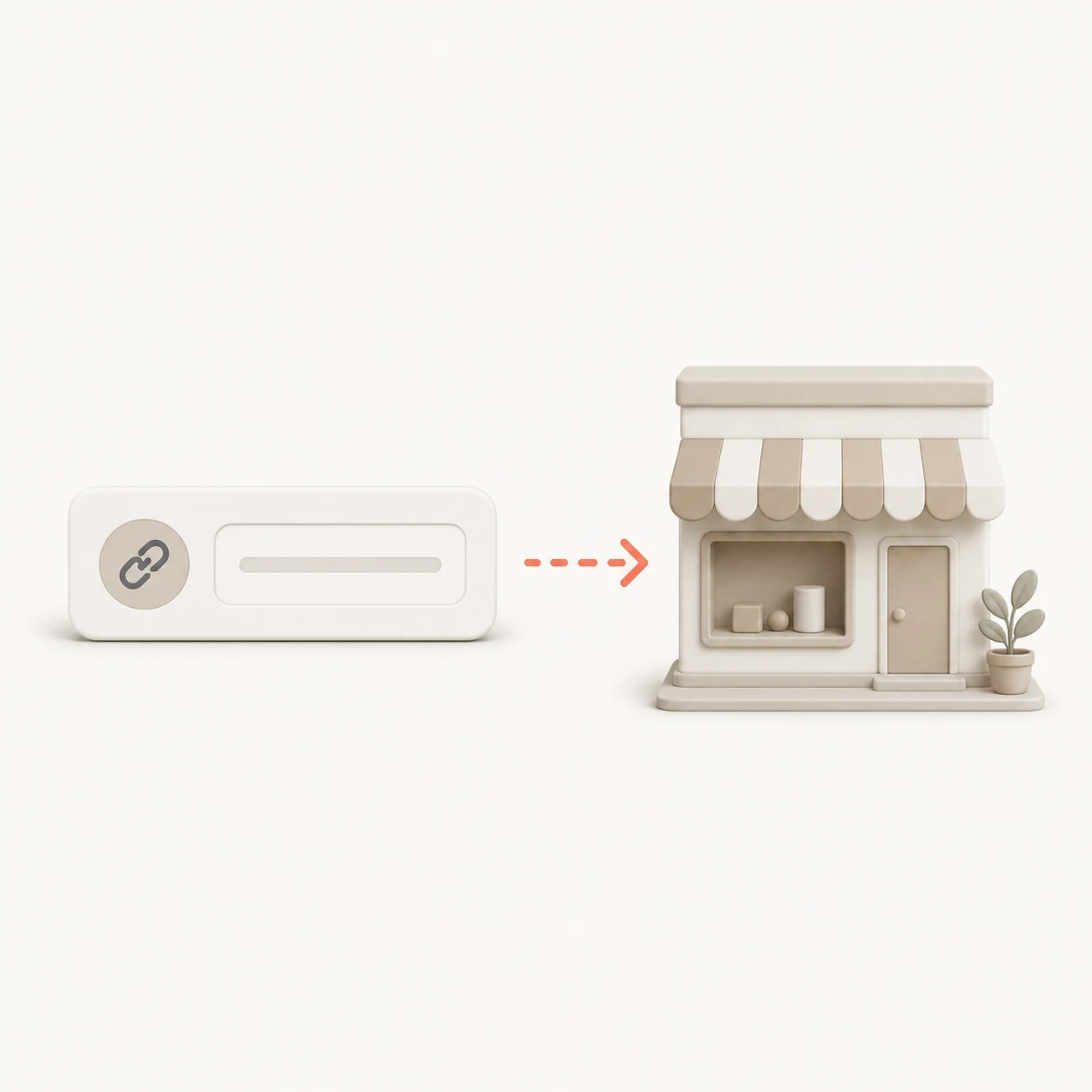
Paste a WooCommerce store address. No WordPress account or administrator access is requested.
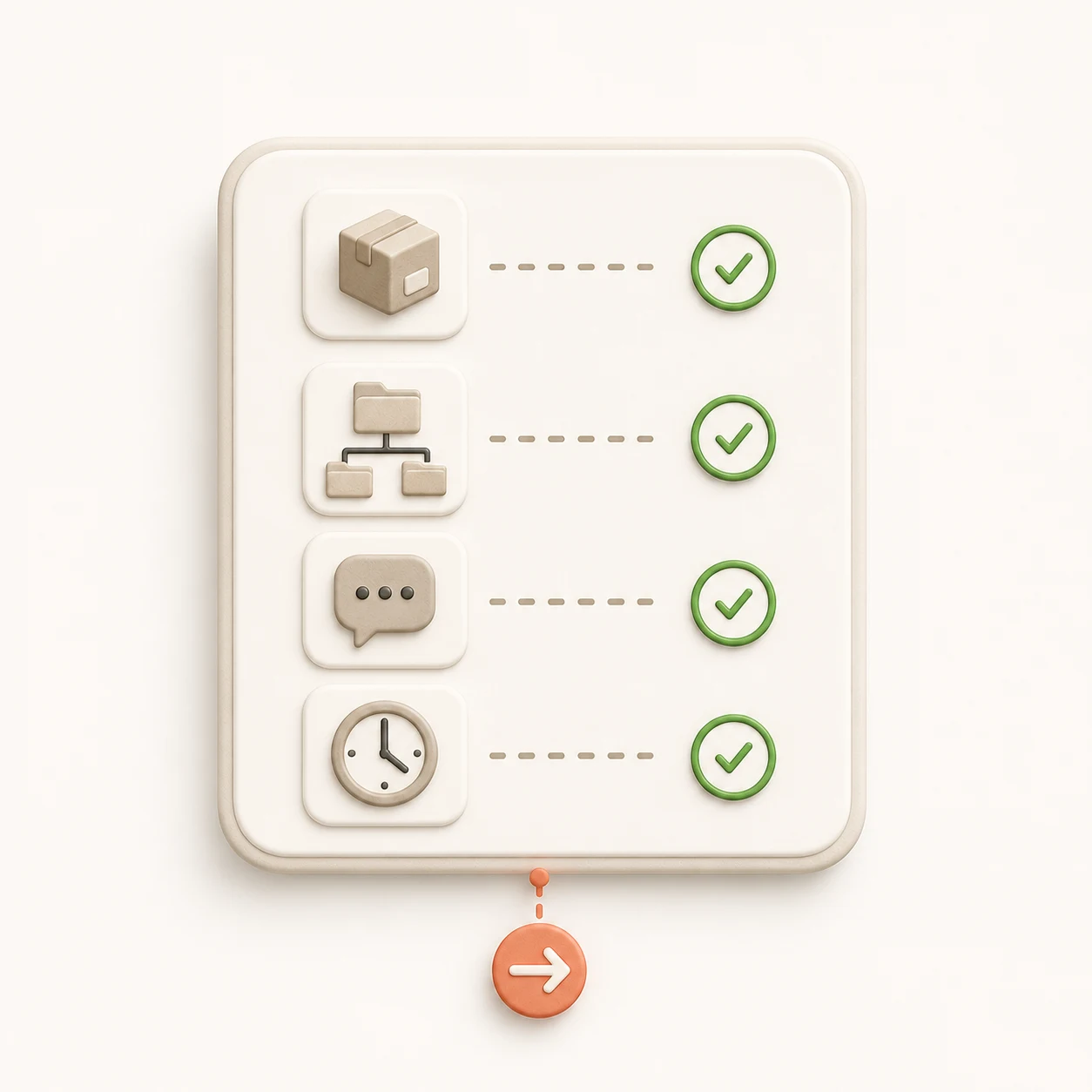
Check up to 100 products for missing images, prices, descriptions, SKUs and categories, then review a clear readiness report.
Check the fields that matter before an export, using a clear report based on the store’s actual product data.
Paste a WooCommerce store address. No WordPress account or administrator access is requested.
ScrapeWoo reviews images, prices, descriptions, SKUs and categories without changing the store.
See the completion rate for every check, affected product examples and the next useful action.
What the readiness score covers, what it does not prove and how to use the report.
It checks product images, prices, descriptions, SKUs and categories across up to 100 readable products. The report also shows variable and out-of-stock product counts within the audited sample.
The free report checks up to 100 products. When a store contains more products, the result clearly states that the score reflects a sample rather than the complete catalog.
No. You only enter the store address. The tool does not request a WordPress login, API key or administrator account.
No. The audit is read-only. It does not sign in, edit product data or change the store configuration.
No. It measures the completeness of product fields useful for catalog work and exports. It does not predict search rankings, traffic or sales.
Review the missing fields, then open the catalog in ScrapeWoo to choose products and prepare the export format required by your next platform or workflow.
Review the detected products, choose the useful ones and prepare a WooCommerce, Shopify, CSV or JSON file.
Review the catalog