Audit a WooCommerce catalog before a migration: what each gap costs
A real Catalog Audit report on a test store, followed through an import into a new store: what a missing image, description, SKU or category becomes, and a checklist.
Read the guide■ Blog
Every method is tested on real WooCommerce stores before it is published.

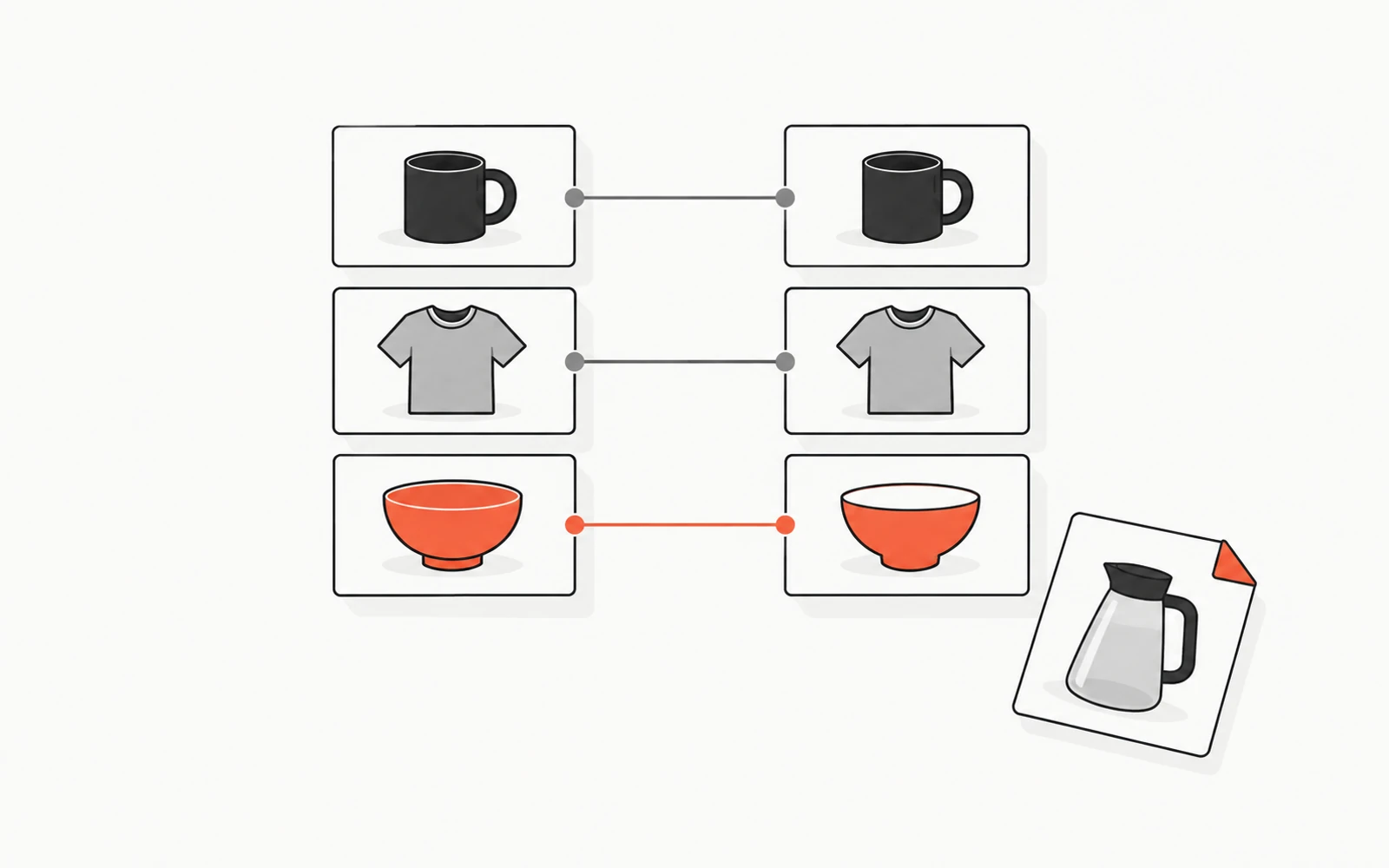
How to pair two WooCommerce catalogs by SKU, then by name, and read the price gaps, stock gaps and one-sided products. Tested on two overlapping stores and two theme demos.

A copy between two WooCommerce stores, checked field by field: what the import brought over, what to finish by hand, and the checks to run afterwards.

What the WooCommerce Store API gives anyone without a key, field by field: which products answer, what the stock settings change and what never appears.

The built-in exporter, the REST API and the public catalog, run on the same WooCommerce 11.2 store: what each one needs and what each one returned.

See which rows and columns a WooCommerce CSV needs for variable products, and what each mistake produced when we imported real files into WooCommerce 11.2.

The marks WooCommerce leaves in a page, the address that confirms it, and the signs other platforms share, checked on ten real WooCommerce sites and with the free detector.

Three sample CSV files for the WooCommerce product importer: simple products, a variable product and products with images. Each was imported into WooCommerce 11.2 and is explained column by column.

Compare WooCommerce CSV, Shopify CSV, standard CSV and JSON exports generated from the same product catalog, then choose the file that fits your destination.
Paste a store address: the detected products show up before any export.