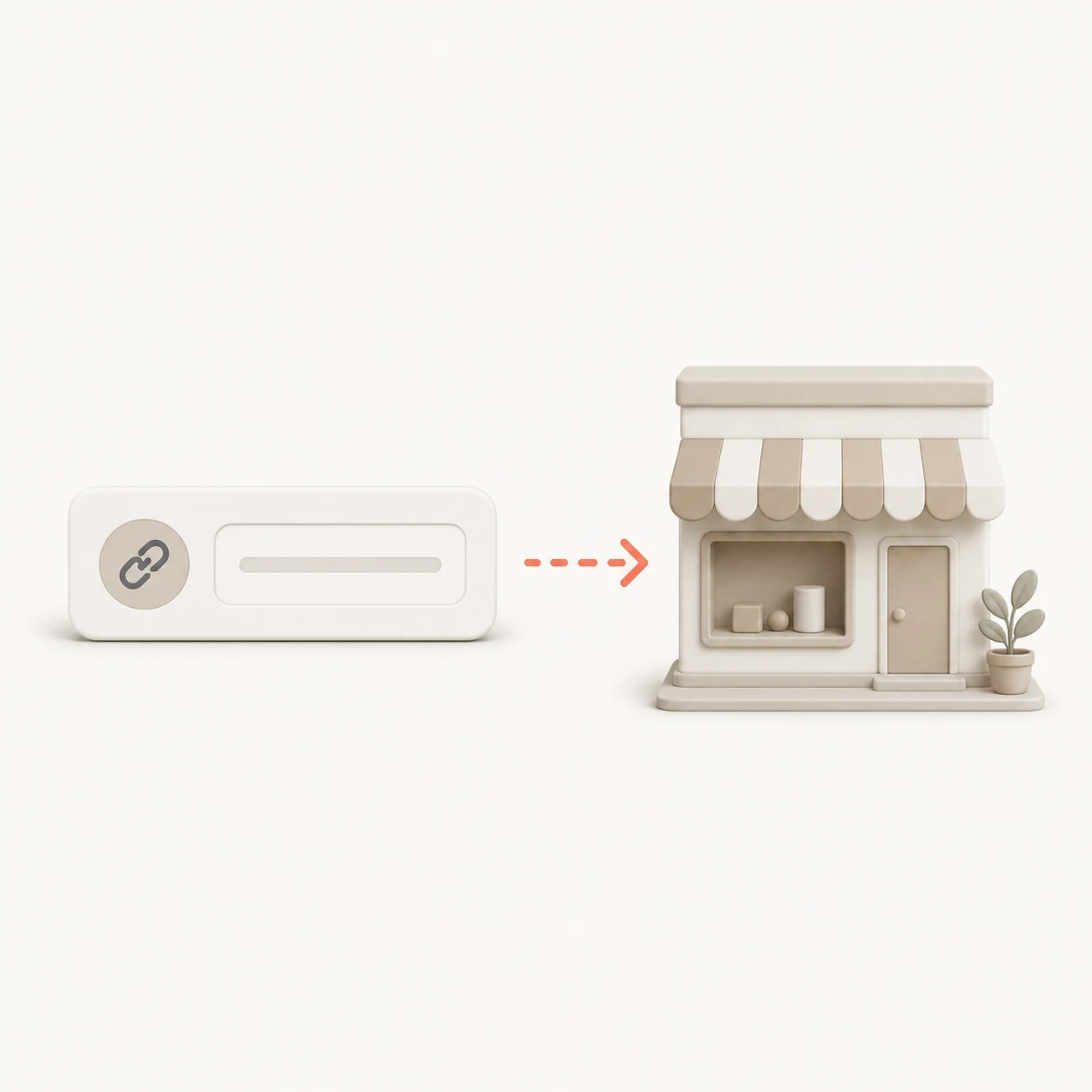
Enter both store addresses
Add the two WooCommerce stores you want to compare. The check is read-only and needs no administrator access.
Match up to 100 products per store and review price, stock and one-sided catalog differences in a clear report.
Find product differences without preparing spreadsheets or matching rows by hand.
Add the two WooCommerce stores you want to compare. The check is read-only and needs no administrator access.
Products are matched by exact SKU first, then by an exact normalized name when a SKU is unavailable.
See price and stock changes, plus products found in only one of the checked catalog samples.
How products are matched, what the report covers and where its limits are.
The tool reads up to 100 products from each store. It matches unique SKUs first, then unique normalized product names, and reports readable price and stock differences.
The free comparison checks up to 100 products per store. If either catalog is larger, the report clearly states that the result is based on a sample.
The tool avoids fuzzy guesses. Duplicate SKUs, duplicate names and products with materially different names remain unmatched so the report does not invent false correspondences.
A currency difference is treated as a price difference. The report does not convert currencies or assume an exchange rate.
No. You only enter the two store addresses. The tool does not request credentials and does not modify either store.
Open the relevant catalog in ScrapeWoo, select the products you need and prepare the export for your migration, review or synchronization workflow.
Choose the useful products and prepare a WooCommerce, Shopify, CSV or JSON file from the source store.
Start an extraction