Loading article
How to migrate WooCommerce products to Shopify with a CSV
See how WooCommerce products, variants, images, prices and SKUs map into a Shopify CSV, including the fields you should verify before import.

Quick answer
You can move WooCommerce products to Shopify with a Shopify-formatted CSV, but the file needs more than renamed columns. Variants must share a handle, additional images need their own rows, and some WooCommerce fields have no safe Shopify equivalent. ScrapeWoo prepares that product CSV from a supported source catalog. It does not migrate customers, orders, payments, theme code, or redirects.
A product migration looks simple until the first variable product reaches the spreadsheet. WooCommerce and Shopify both store titles, prices, SKUs, stock, and images, but they arrange those fields differently. Copying the WooCommerce export into a Shopify template can work for a small, simple catalog. It becomes fragile once products have variations, galleries, missing descriptions, or custom metadata.
This guide stays with the product catalog. Shopify maintains a broader WooCommerce migration guide for customers, orders, reviews, domain setup, payments, shipping, taxes, and SEO. ScrapeWoo handles the catalog part: it prepares the CSV that Shopify imports.
What this CSV can move
A Shopify product CSV can carry product identity, descriptions, variants, prices, SKUs, stock quantities, image URLs, tags, and a collection. It cannot preserve every WooCommerce extension field or business rule.
| Catalog data | How ScrapeWoo prepares it for Shopify | What still needs review |
|---|---|---|
| Product and URL | Name becomes the title and the WooCommerce slug becomes the Shopify URL handle | Check for duplicate or unsuitable handles |
| Descriptions | Uses the full description, then falls back to the short description when needed | Inspect formatting and any embedded shortcodes |
| Variants | Creates one row per variant under the same product handle | Shopify supports up to three product options |
| Prices and SKUs | Writes variant price, compare-at price, and SKU when available | Check currency context and missing SKUs |
| Images | Places the first image on the product row and creates rows for additional images | Source URLs must remain reachable during the Shopify import |
| Categories | Adds WooCommerce categories to tags and uses the first category as a collection | Shopify product taxonomy is left blank rather than guessed |
If you have WooCommerce admin access, keep a native export as your reference copy. WooCommerce's built-in product exporter can include selected columns, product types, categories, and custom metadata. If you only have access to a supported public catalog, read the separate guide to collecting WooCommerce products without admin access before preparing the Shopify file. If the destination is not settled yet, compare the four available product export formats first.
What happened in our controlled export test
We built a controlled two-product catalog for this article instead of using a live shop whose data might change. It contained one simple product and one variable product with two sizes, two images, variant SKUs, separate stock quantities, a sale price, categories, tags, and a short description fallback.
The current ScrapeWoo Shopify exporter produced four data rows:
- two rows for the variable product, one for each size;
- one extra row for its second gallery image;
- one row for the simple product.
The rows for the variable product shared the handle ridge-trail-shoe. Each size kept its own SKU, price, stock quantity, and option value. The second image used a separate row with the same handle, which is how Shopify associates additional product images with the right product.
| CSV row | Handle | Exported result |
|---|---|---|
| 1 | ridge-trail-shoe |
Size 42 in Sage, SKU RIDGE-SAGE-42, product details and first image |
| 2 | ridge-trail-shoe |
Size 43 in Sage, SKU RIDGE-SAGE-43 |
| 3 | ridge-trail-shoe |
Second gallery image |
| 4 | canvas-daypack |
Simple product, SKU DAYPACK-CANVAS, Default Title option |
The generated file used UTF-8 without a byte order mark and LF line endings. Shopify's current product CSV documentation asks for UTF-8 and LF-style line feeds. The exporter test suite also checks those two details so a later code change cannot silently alter them.
Fields we deliberately did not guess
A migration file is more trustworthy when uncertainty stays visible. Our test exposed several cells that ScrapeWoo leaves blank or treats conservatively.
Weight
A public WooCommerce product response can contain a numeric weight without exposing whether the store uses kilograms, grams, pounds, or ounces. Shopify's CSV expects grams. ScrapeWoo leaves the Shopify weight cells empty rather than risk turning 0.85 kg into 0.85 g. Fill the weight after confirming the source store's unit.
Shopify product category
A WooCommerce category such as Trail running is not automatically a valid entry in Shopify's standard product taxonomy. ScrapeWoo keeps the source category in tags and the collection field, but leaves Product category empty. Choose the correct Shopify taxonomy value after import.
Barcodes and custom fields
The controlled source did not provide barcodes, so the cells stayed empty. Plugin metadata, subscriptions, bundles, add-ons, and other custom product structures also need a separate mapping decision. A plausible value would be worse than a blank one.
More than three options
Shopify supports up to three options on a product. ScrapeWoo maps the first three variation attributes into the Shopify CSV. If a WooCommerce product uses more, redesign that product before migration or decide which information belongs in metafields or another Shopify structure.
Create the Shopify CSV in ScrapeWoo
- Enter the WooCommerce store URL and run the catalog check.
- Choose the relevant categories, then review the detected products and variants.
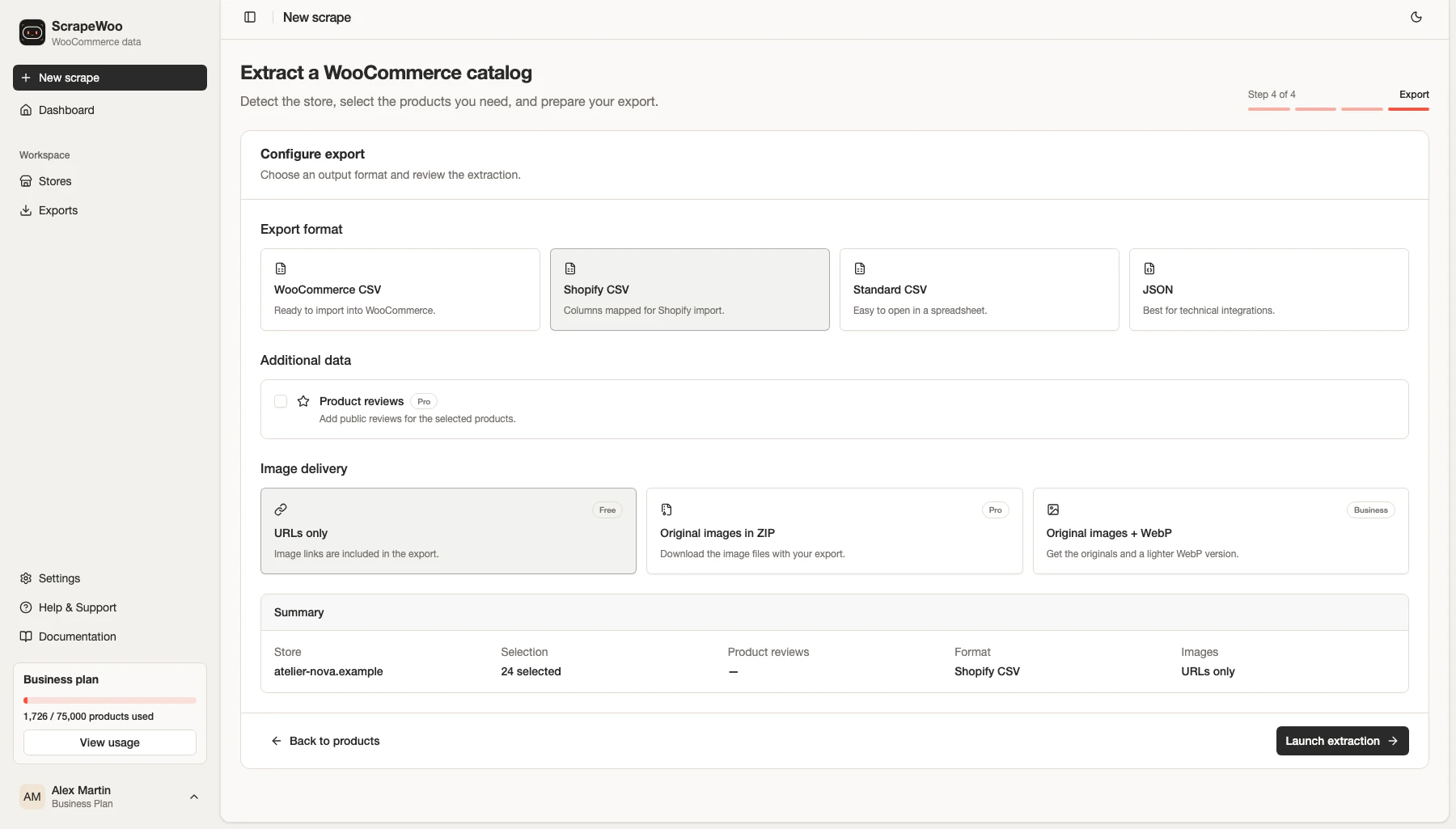
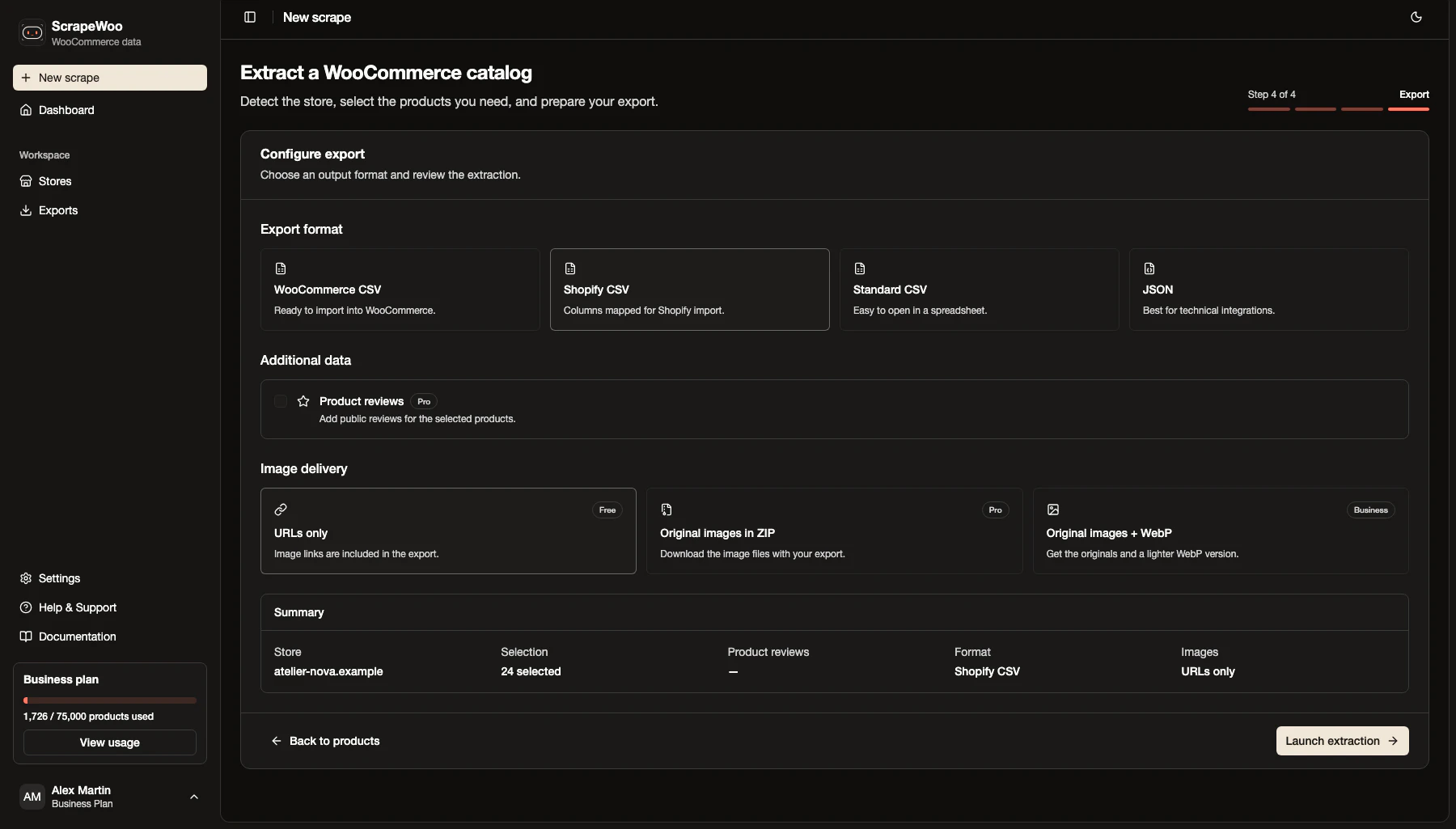
- Open the export step and select Shopify CSV.
- Keep image URLs in the file, or select an available image archive option if you need a separate backup.
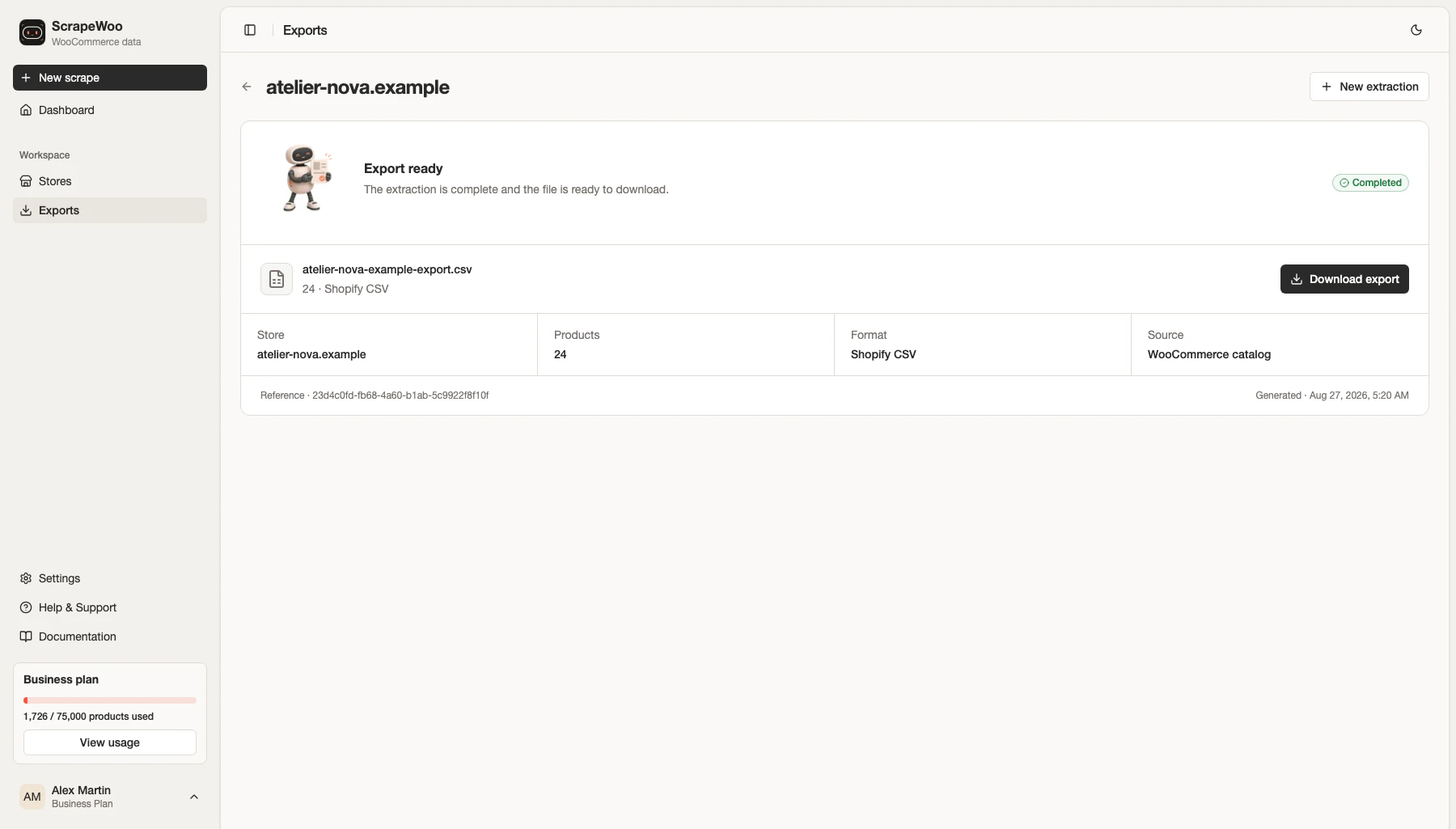
- Launch the extraction and download the finished CSV.
Do not edit the only copy of the file. Keep the ScrapeWoo export untouched, then work on a duplicate when you add taxonomy values, correct weights, or remove products.
Import a small batch before the full catalog
We generated and inspected the CSV for this article, but we did not upload it to a Shopify store. The destination check below follows Shopify's current import documentation and should be performed on your own authorized store.
- In Shopify admin, open Products and choose Import.
- Upload the CSV, then review the import preview before starting.
- For the first test, avoid publishing new products to every sales channel.
- Import a small sample containing at least one simple product and one product with variants.
- Open the imported products and compare title, description, handle, variants, SKUs, price, stock, images, tags, and collection with the source.
Inventory needs extra care. Shopify notes that the Inventory quantity column is intended for stores with a single location. Multi-location inventory uses a separate inventory CSV. Treat the quantity in the product file as a migration input to verify, not as proof that every location is ready.
Image URLs also need to remain publicly reachable while Shopify fetches them. Do not shut down the WooCommerce host or remove its media files until the destination images have been checked.
Product catalog, not full store
This workflow prepares products for Shopify. Customer accounts, orders, reviews, redirects, taxes, shipping rules, payment settings, apps, theme code, and domain changes are separate migration projects.
Product migration checklist
- Keep a native WooCommerce export or another untouched source copy when you have admin access.
- Check duplicate handles and missing SKUs.
- Review one simple product and every type of variable product in the catalog.
- Confirm weights and units manually.
- Assign Shopify product taxonomy instead of guessing from WooCommerce categories.
- Keep source image URLs online until Shopify has fetched and displayed the media.
- Handle multi-location inventory separately.
- Test a small unpublished batch before importing the complete product file.
If the small batch preserves its variants, images, prices, SKUs, and stock, you have evidence that the mapping works for those product types. Fix the exceptions before increasing the batch size.
Sources
■ Read next
More WooCommerce guides
WooCommerce sample product CSV files, with every column explained
Three sample CSV files for the WooCommerce product importer: simple products, a variable product and products with images. Each was imported into WooCommerce 11.2 and is explained column by column.

Which format should you use to export WooCommerce products?
Compare WooCommerce CSV, Shopify CSV, standard CSV and JSON exports generated from the same product catalog, then choose the file that fits your destination.
Need the catalog in a file?
Paste a public WooCommerce URL. ScrapeWoo finds the catalog, lets you choose the products, and prepares a clean CSV or JSON export.