Loading article
Which format should you use to export WooCommerce products?
Compare WooCommerce CSV, Shopify CSV, standard CSV and JSON exports generated from the same product catalog, then choose the file that fits your destination.

Short answer
Choose the destination before the file extension. Use WooCommerce CSV for the WooCommerce product importer, Shopify CSV for Shopify, standard CSV for spreadsheet work or a system with its own mapping, and JSON when code needs the catalog structure. Three of those files end in .csv, but their columns are not interchangeable.
An export can open perfectly in a spreadsheet and still be wrong for the next step. A WooCommerce importer looks for product types, parent SKUs and numbered attribute columns. Shopify expects URL handles, option columns and image rows. A standard CSV can be easier to inspect, but it does not pretend to match either platform.
We compared the four formats produced by the current ScrapeWoo exporters. Every file came from the same controlled catalog, so the differences below come from the destination format rather than a change in source data.
One catalog produced four different files
The fixture contained two products. One was a variable trail shoe with two sizes, two gallery images, variant SKUs, separate stock quantities and a sale price. The other was a simple canvas bag. Across the fixture, ScrapeWoo handled two products, two variants and three product images.
| Format | Result from the test | Designed for |
|---|---|---|
| WooCommerce CSV | 30 columns and 4 data rows | WooCommerce product importer |
| Shopify CSV | 34 columns and 4 data rows | Shopify product importer |
| Standard CSV | 23 columns and 4 data rows | Spreadsheet review and custom mapping |
| JSON | 2 product objects with 2 nested variants | Code, automations and internal tools |
The three CSV files happened to contain four data rows, but not the same four rows. Their headers, relationships and image handling changed with the target. Matching row counts do not make the files compatible.
WooCommerce CSV and Shopify CSV are import schemas
A platform CSV is closer to an instruction sheet than a neutral table. Column names and repeated rows tell the destination how to rebuild the catalog.
WooCommerce CSV keeps the parent and variation model
The generated WooCommerce file contained one parent row for the variable shoe and one row for each variation. The Parent column linked both size rows to the parent SKU. Product attributes used numbered groups such as Attribute 1 name and Attribute 1 value(s).
The file also carried WooCommerce fields such as product type, publication state, catalog visibility and sale price. Its images shared one cell as comma-separated URLs. These choices follow the structure described by the WooCommerce product CSV schema.
Shopify CSV reorganizes the same products around handles
The Shopify file used the handle ridge-trail-shoe to associate the variable product, its variants and its additional image. Each size kept its own SKU, option values, price and inventory quantity. The second gallery image occupied a separate row with the same handle.
ScrapeWoo produced 34 Shopify columns and used the encoding required by the current Shopify product CSV documentation: UTF-8 without a byte order mark and LF line endings. The WooCommerce and standard CSV files included a byte order mark and CRLF line endings for spreadsheet use.
Same extension, different contract
Renaming woocommerce-products.csv to shopify-products.csv changes nothing inside the file. The destination reads headers and row relationships, not the filename.
Standard CSV is the practical working file
ScrapeWoo's standard CSV is meant to be read and mapped. It gave each product and variant its own row, then used Row type and Parent SKU to keep their relationship visible. Categories, tags, attributes and image URLs remained in readable cells.
This is the useful choice when you need to audit a catalog in Excel or Google Sheets, send a clean table to someone, remove columns, compare stock, or prepare data for a destination with its own field mapper. It is not a universal import file. The receiving system still needs to know what each column means.
JSON keeps the hierarchy for code
The JSON export contained two product objects. The two shoe variants remained inside the parent product's variants array instead of becoming separate spreadsheet rows. Images, attributes, categories and shipping values also stayed as arrays or nested objects.
That structure is useful for a script, an internal catalog service or an automation that needs to loop through products and their variants. JSON can represent objects and arrays directly, as defined by RFC 8259. A spreadsheet user will usually find the standard CSV easier. A developer may prefer JSON because it avoids rebuilding parent-child relationships from flat rows.
JSON is not automatically accepted by WooCommerce or Shopify product importers. Choose it only when the next tool explicitly reads JSON or when you control the integration code.
Choose the format from the next action
| Your next action | Choose | Check before using it |
|---|---|---|
| Import or update products in WooCommerce | WooCommerce CSV | SKUs, parent variations, attributes and category paths |
| Prepare products for Shopify | Shopify CSV | Handles, options, image URLs, weights and taxonomy |
| Review or edit the catalog in a spreadsheet | Standard CSV | Row types, parent SKUs and delimiter handling |
| Feed a script, automation or internal product tool | JSON | The schema expected by your code and any fields it ignores |
If the destination provides a template or import schema, use that schema. A clean standard CSV is a good working copy, but it should not be uploaded blindly to a platform importer.
Create the export in ScrapeWoo
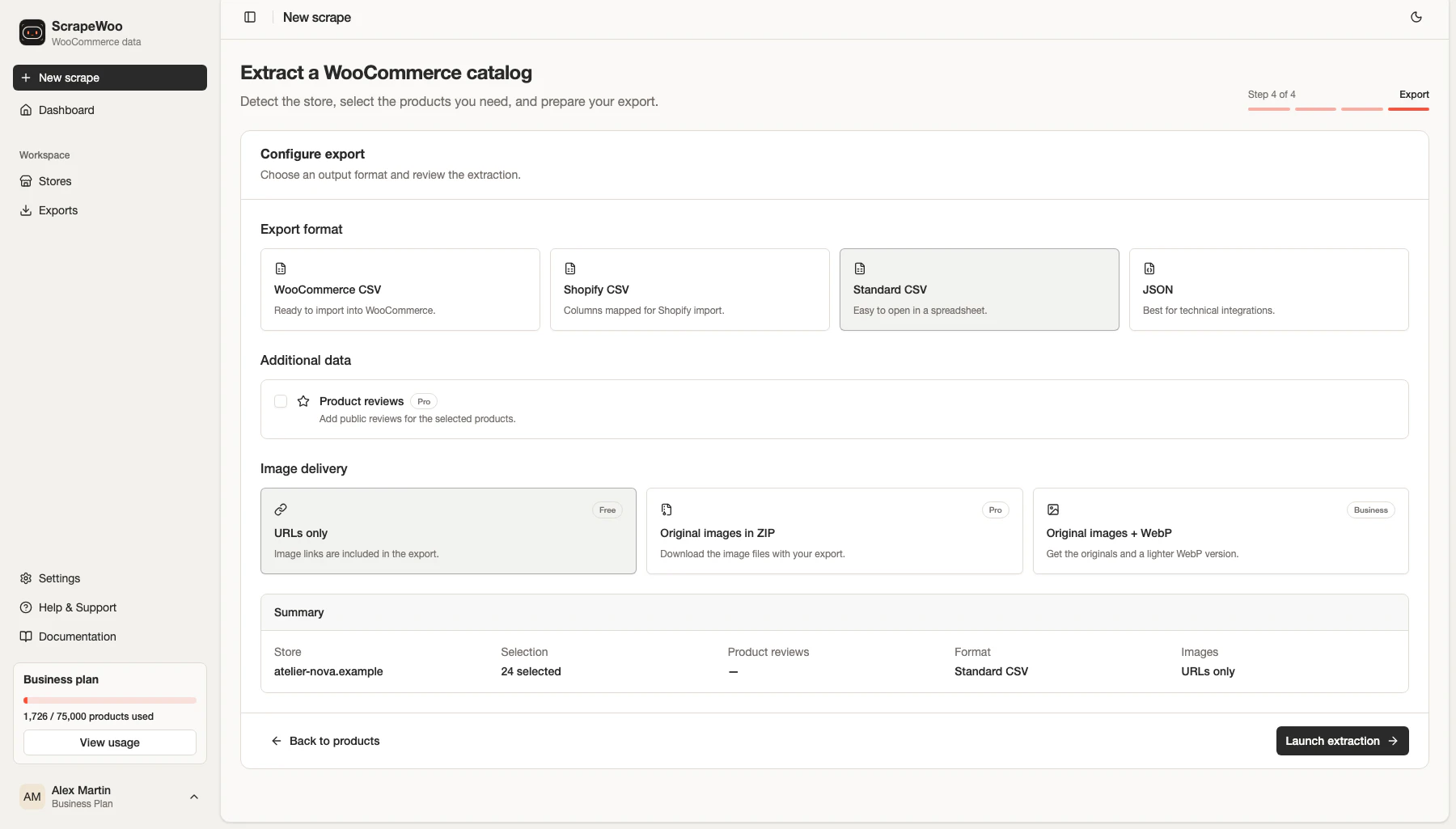
- Open a supported WooCommerce catalog and select the products you need.
- Continue to the export step.
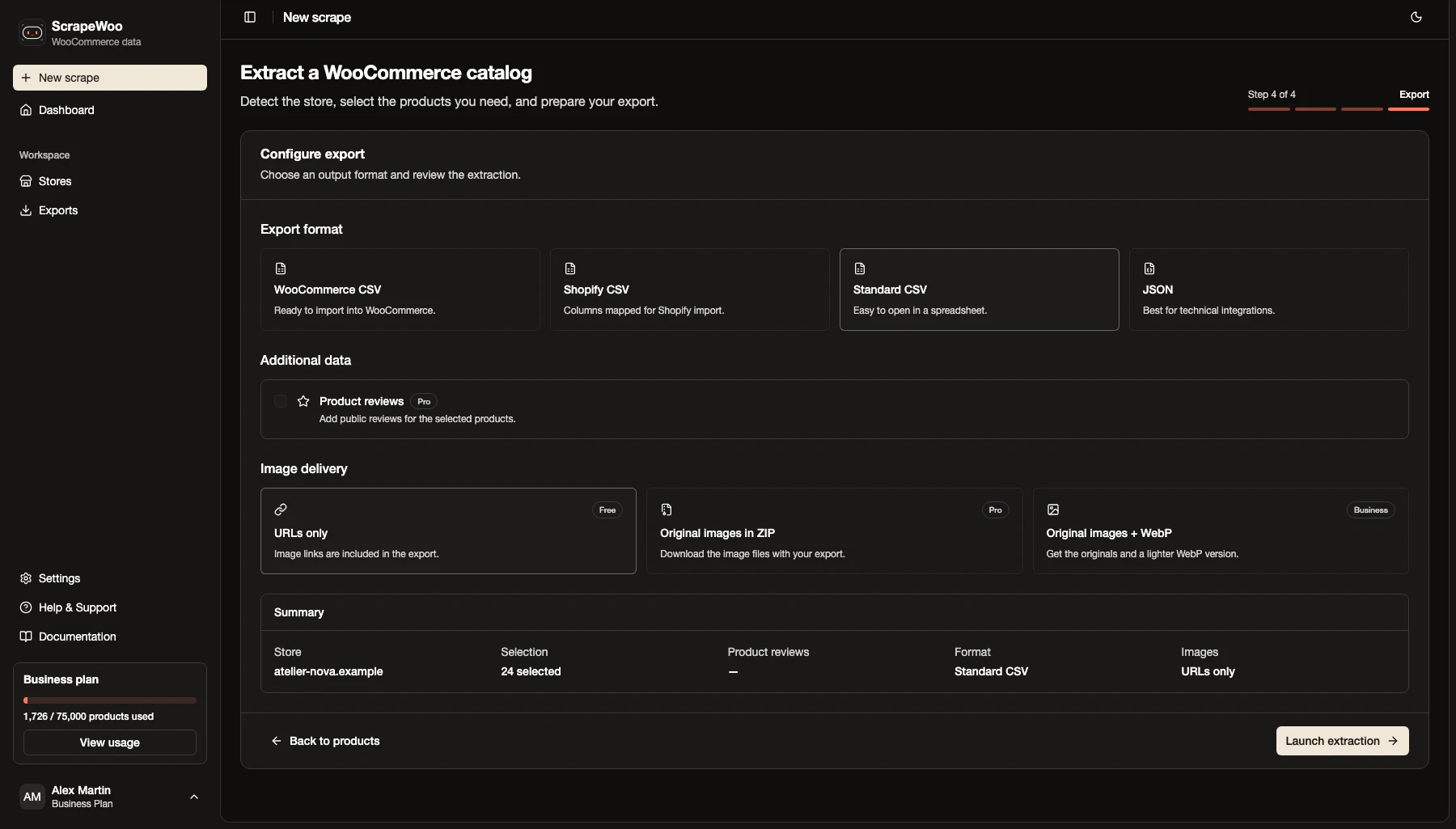
- Choose WooCommerce CSV, Shopify CSV, standard CSV or JSON from the destination you identified above.
- Review the selected product count and image delivery option.
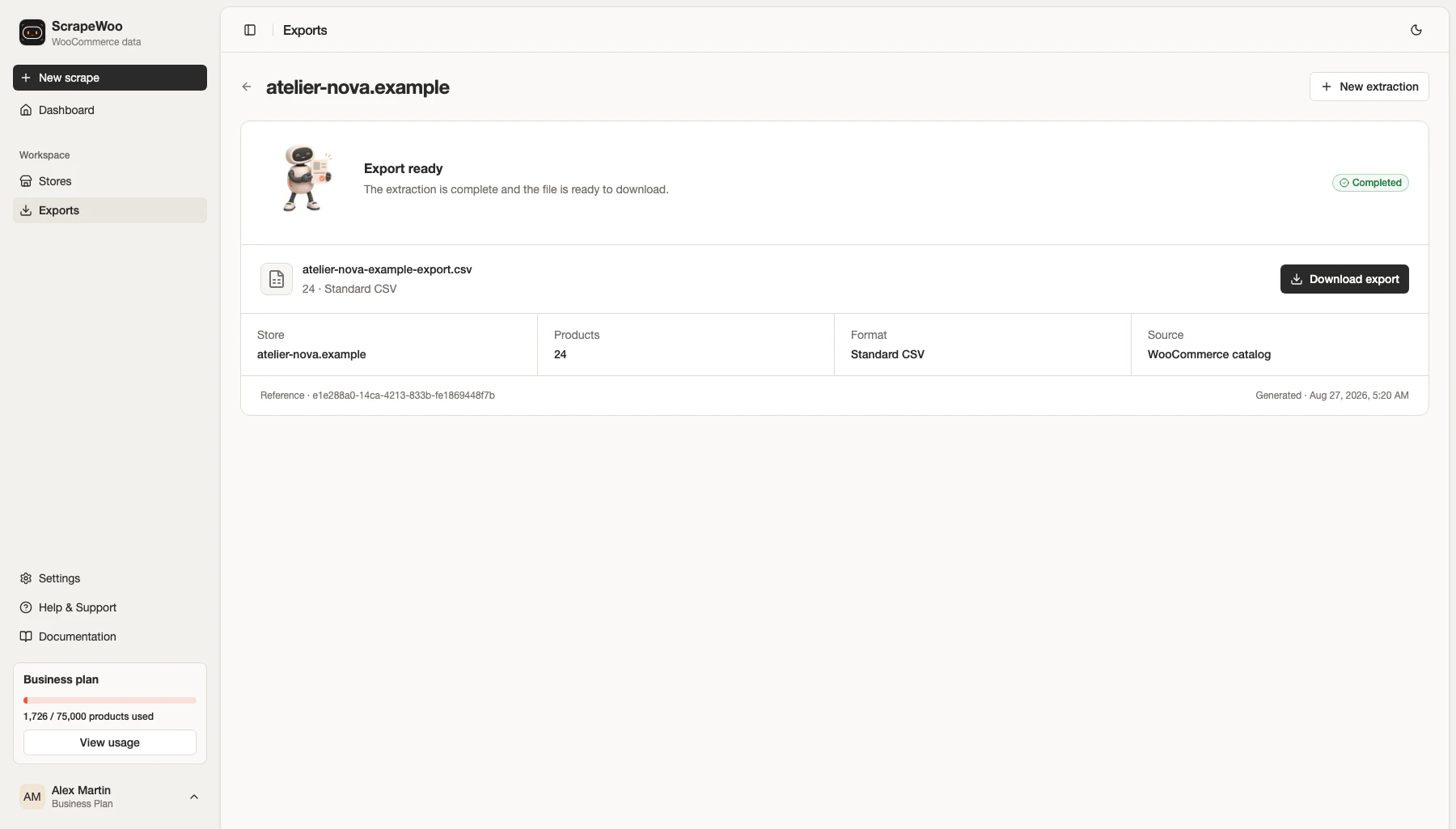
- Run the extraction and keep the original download unchanged as your reference copy.
Before you import into a live store
ScrapeWoo generated all four files from the same catalog, and we inspected each one. Your destination can have rules of its own: an extension can add fields to WooCommerce or Shopify, and a third-party tool can expect its own column names. Compare the file's headers with the ones your destination asks for.
Run a small import when the destination changes live data. If the goal is only inspection, work from a duplicate and keep the original export intact. For a Shopify destination, continue with the guide to migrating WooCommerce products to Shopify with a CSV. If you still need to collect the source products, start with extracting WooCommerce products without admin access.
■ Read next
More WooCommerce guides
WooCommerce sample product CSV files, with every column explained
Three sample CSV files for the WooCommerce product importer: simple products, a variable product and products with images. Each was imported into WooCommerce 11.2 and is explained column by column.

How to migrate WooCommerce products to Shopify with a CSV
See how WooCommerce products, variants, images, prices and SKUs map into a Shopify CSV, including the fields you should verify before import.
Need the catalog in a file?
Paste a public WooCommerce URL. ScrapeWoo finds the catalog, lets you choose the products, and prepares a clean CSV or JSON export.